How-to

How Event Driven Architecture Powers Our AI QR Code Generator

📅
July 16, 2026
👥
ConnectQR Team
How Event Driven Architecture Powers Our AI QR Code Generator

At ConnectQR, we’re always exploring how to push the boundaries of what a QR code can be. One of our latest innovations — AI QR Code generation — lets users create stunning, scannable images where the QR code is seamlessly embedded into an artwork generated from their own prompt.

At ConnectQR, we’re always exploring how to push the boundaries of what a QR code can be. One of our latest innovations — AI QR Code generation — lets users create stunning, scannable images where the QR code is seamlessly embedded into an artwork generated from their own prompt.

But making this work reliably and at scale isn’t trivial. It can take up to 60 seconds to generate one image. Users might close their browser. The backend might be under load. We needed a solution that could keep moving forward — even if the user didn’t.

What Is Event Driven Architecture?

Event Driven Architecture is a design pattern where components communicate by emitting and responding to events. Instead of waiting for long processes to complete, parts of the system do their job, emit a message, and let other components take over asynchronously.

This allows systems to be:

  • Resilient (individual failures don’t break the flow),
  • Scalable (you can scale specific components), and
  • Responsive (you don’t block the user waiting for something slow).

Why We Needed It for AI QR Codes

Our AI QR Code feature lets a user input a prompt — e.g. “a snow-covered Japanese village” — and position a scannable QR code inside the resulting image. This image is generated by an AI engine behind the scenes and can take 10–60 seconds depending on resolution and server load.

A traditional request-response model (where the browser waits for a reply) just wouldn't work. If the connection dropped or the user navigated away, the image might never finish.

Instead, we designed the flow around events — so that generation would continue reliably, regardless of the frontend state.

Architecture Overview

Event flow from Prompt Submission to Website Update

Here’s what happens, step-by-step:

  1. Prompt Submission
    The user submits their prompt and preferred QR code size/position through the Dashboard frontend. This hits our Dashboard API which is running on AWS Lambda (via API Gateway).
  2. Record Creation
    The API receives the request and creates a new AI QR Code record in the Database.
  3. Event Message Sent
    The API then sends an event message to an AWS SQS queue with the ID of the newly created AI QR Code record. This is the key event that will kick off the background processing.
  4. Respond to Request
    The API responds to the frontend request, this allows the Frontend it to update the user that the AI QR Code is now generating, they are free to continue waiting for the generation or browse away to another page.
  5. Generator Picks up Event
    A worker function in the AI QR Generator picks up the event message from SQS and initiates image generation with our AI engine.
  6. AI QR Update Sent to Webhook
    Once generation has been complete, the AI engine calls our Webhook Service with the image and scan metadata. It's job is now done.
  7. AI QR Record Updated
    The Webhook service received the request and stores the image on our CDN and updates the status of the AI QR Code database record.
  8. Notification Sent to WebSocket Service
    Once the database record has been updated it's time to update the user and the service sends a notification to the WebSocket Service.
  9. Update Frontend with new Status
    Finally WebSocket service sends a message to the browser tab that is subscribed to the status updates for this AI QR Code. The frontend updates and the user sees their completed, AI-enhanced, fully scannable QR code.

Why Event Driven Wins Here

Event Driven Architecture is not a solution for everything (what is?). But here is why we feel it was the correct solution to power our AI QR Code feature:

  • User Resilience: The generation continues in the background even if the user loses connection.
  • System Resilience: Failures in one part of the system don’t cascade, if a problem is detected the frontend can inform the user and they can try again later.
  • Speedy UX: The frontend doesn’t block the user whilst waiting for the generation, they can even browse away and come back later to see their generated image.
  • Modularity: It allows us to update or even replace parts, like the generator, without changing the whole system. This is also a key feature of micro service architecture.

Real-World Examples

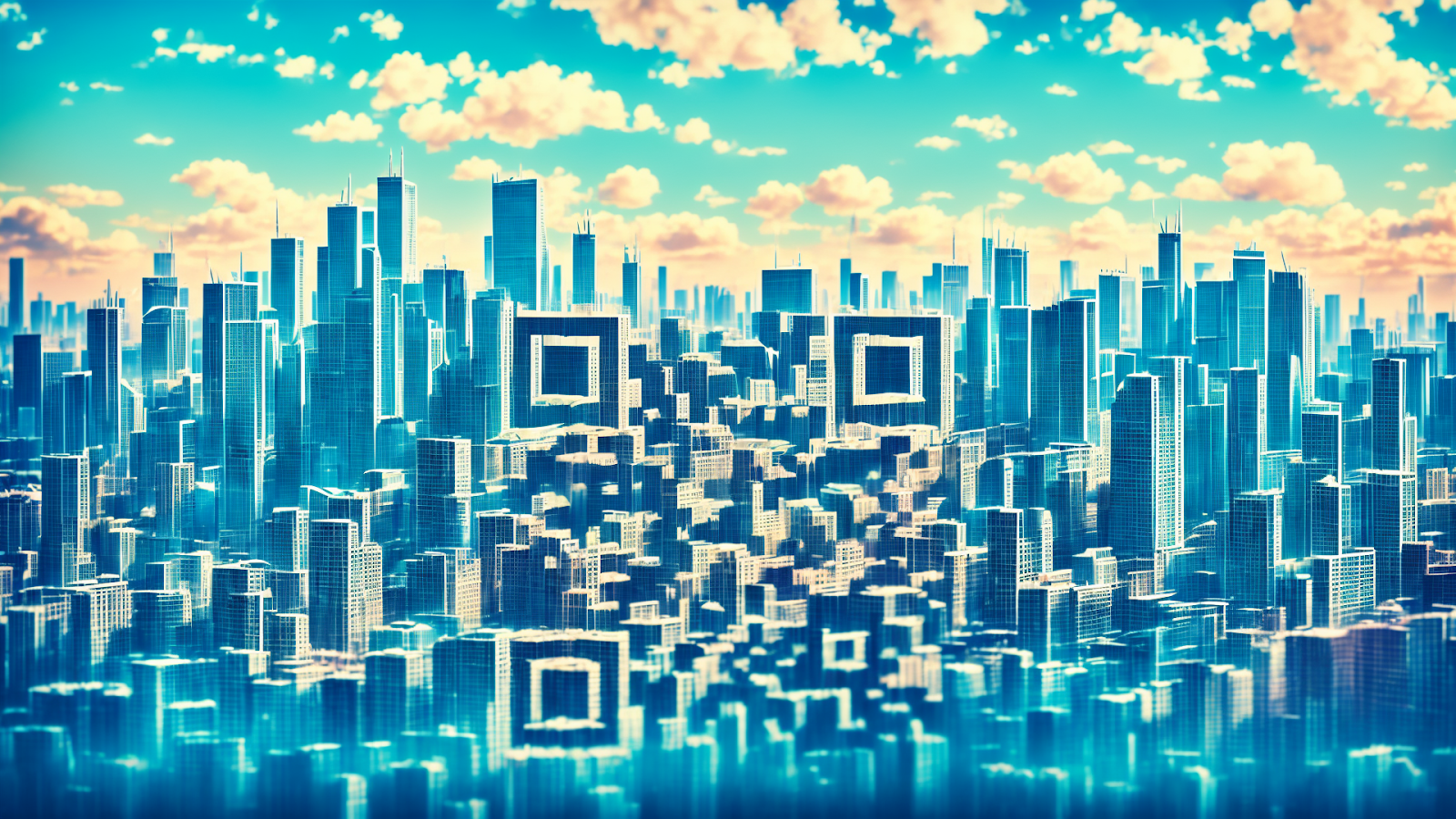
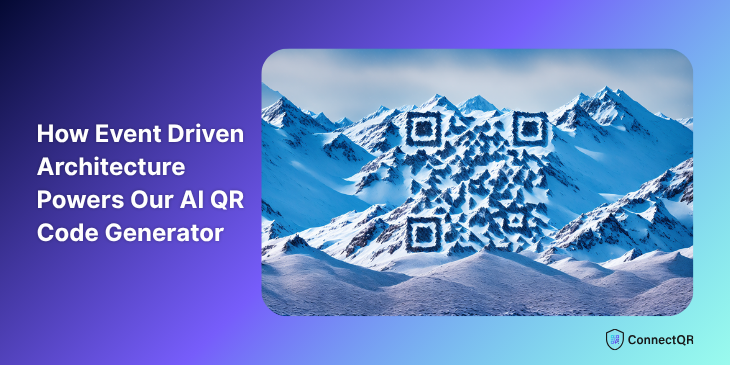
Here are a few real images generated using the feature. The images are generated with the QR code in mind rather than as an after thought, this allows it become part of the overall image.

real world ai qrcode 1
real world ai qrcode 2

A user could put this on a poster, flyer, or social media — blending visual creativity with instant interactivity. The eye drawing nature of this is perfect for marketing uses and encourages the user to scan the QR code to learn more.

Try It Yourself

We believe this feature is the future of marketing with QR codes: dynamic, branded, and beautiful. Want to see it in action?

👉Sign up to a free trial and try generating your own AI QR Code now

Curious About the Tech?

If you're a developer or architect interested in using Event Driven Architecture for async-heavy flows like image generation, this project is a great case study. Feel free to get in touch or follow our dev updates — we’re always building.

Ready to create your first QR code? Start free on ConnectQR - no credit card required.

Share:

LinkedInTwitterCopy link
https://www.connectqr.io/blogs/how-event-driven-architecture-powers-our-ai-qr-code-generator

Start for free

Create dynamic QR codes with real-time analytics. No credit card required.

Start for Free →